
Club Ice
Club Ice provides additional skating opportunities focused on practice, training, and skill development. Sessions may include traditional club ice, clinics, specialty workshops, and other training opportunities throughout the year.
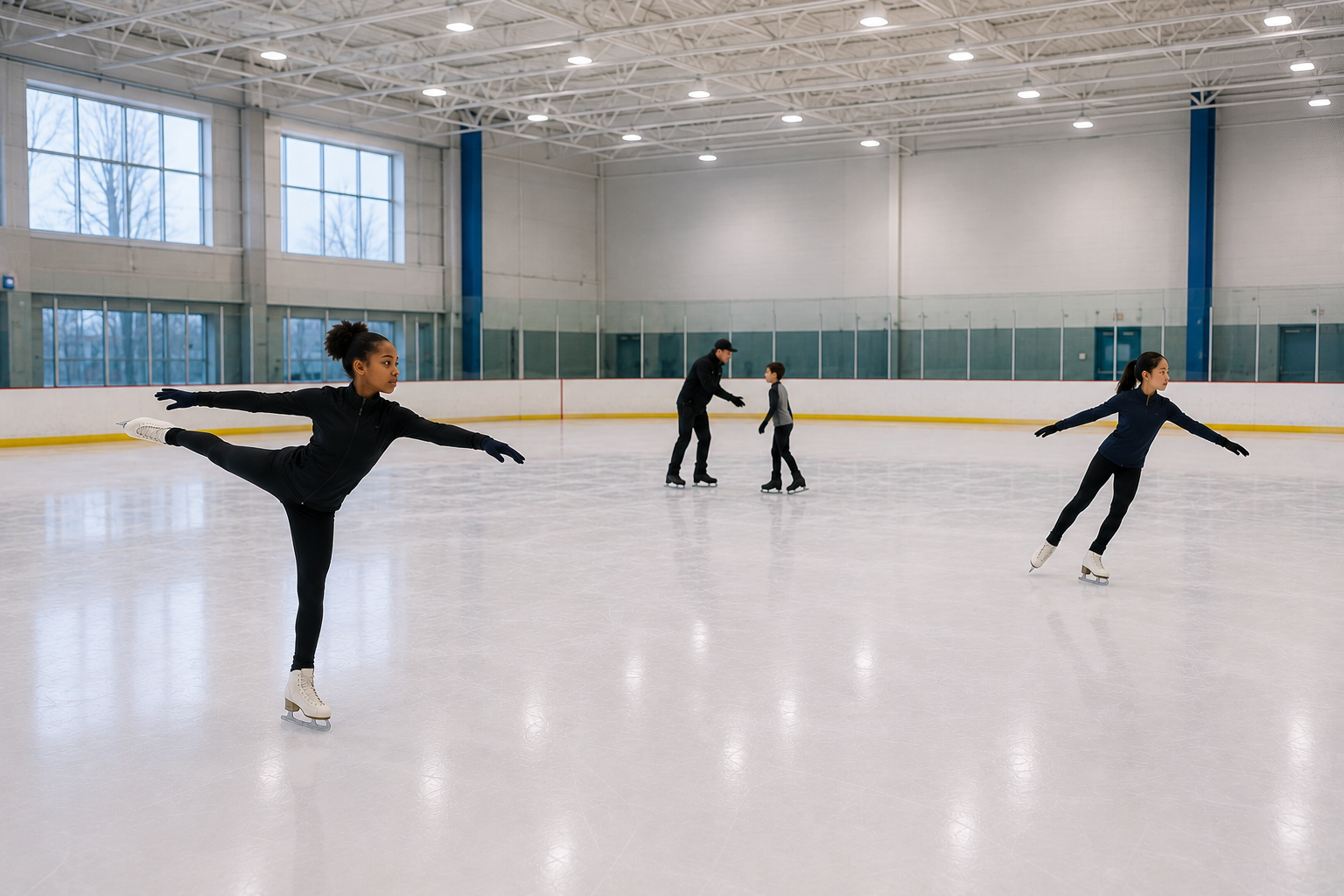
FSCSM Club Ice sessions are designed to provide additional ice opportunities for figure skaters to practice skills, programs, choreography, jumps, spins, and competition preparation in a supportive skating environment.
Sessions may vary throughout the year and can include traditional club ice, mini clinics, specialty training opportunities, and collaborative skating programs. Session details, eligibility requirements, pricing, and registration information will be posted as opportunities become available.
Club Ice Information
Location
Current sessions are held at:
Tucker Road Ice Rink
1770 Tucker Road
Fort Washington, MD 20744
Standard Club Ice Pricing
FSCSM Members — $17
Non-Members — $20
Pricing for specialty sessions may vary and will be included with individual session details.
Standard Club Ice Sessions
Full 90-minute session
Advance registration is required
Coaches are welcome to provide lessons during Club Ice at no additional cost
Skaters planning to have a lesson should provide their coach’s information during registration